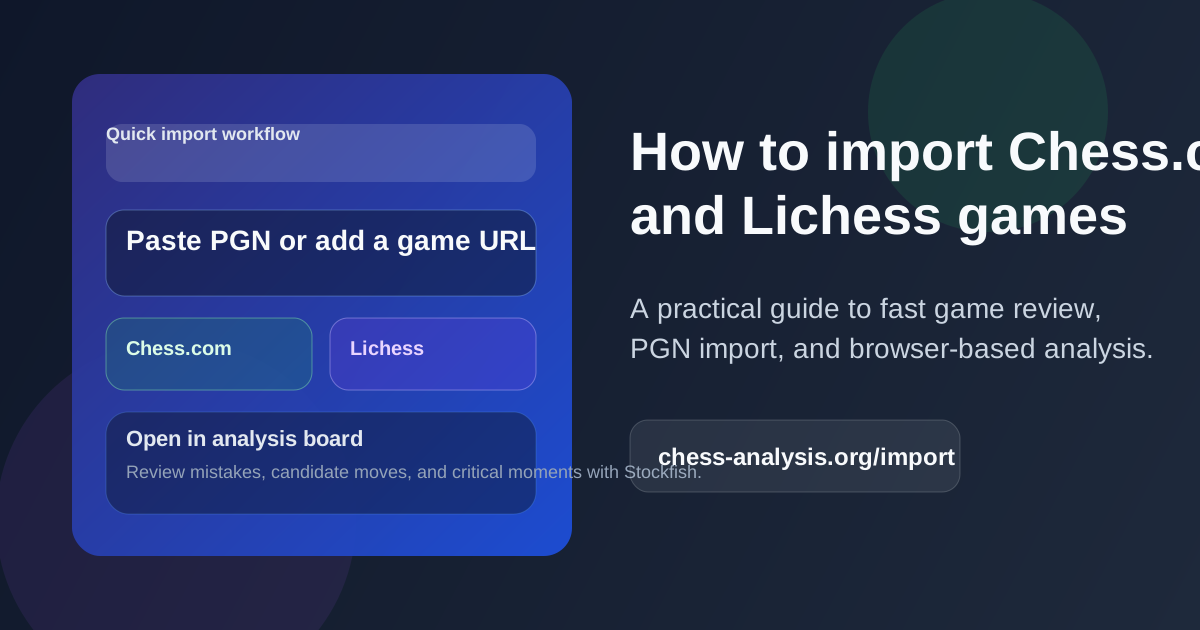
How to Import Chess.com and Lichess Games for Analysis Without Wasting Time
A practical step-by-step guide to importing Chess.com and Lichess games for analysis. Learn when to use PGN paste, game URL import, and recent game browsing.
If you play on Chess.com or Lichess, one of the easiest ways to improve is to review your games while the critical moments are still fresh in your head.
The problem is not usually whether to analyze. It is that the import step often feels annoying. You finish a game, open an analysis board, copy something half-correct, and then spend more time fixing the import than studying the moves.
This guide is for that exact situation.
It explains the three fastest ways to bring a game into Chess Analyzer, when each method makes sense, and how to turn a quick import into a useful review session instead of a random engine check.
The Three Fastest Import Methods
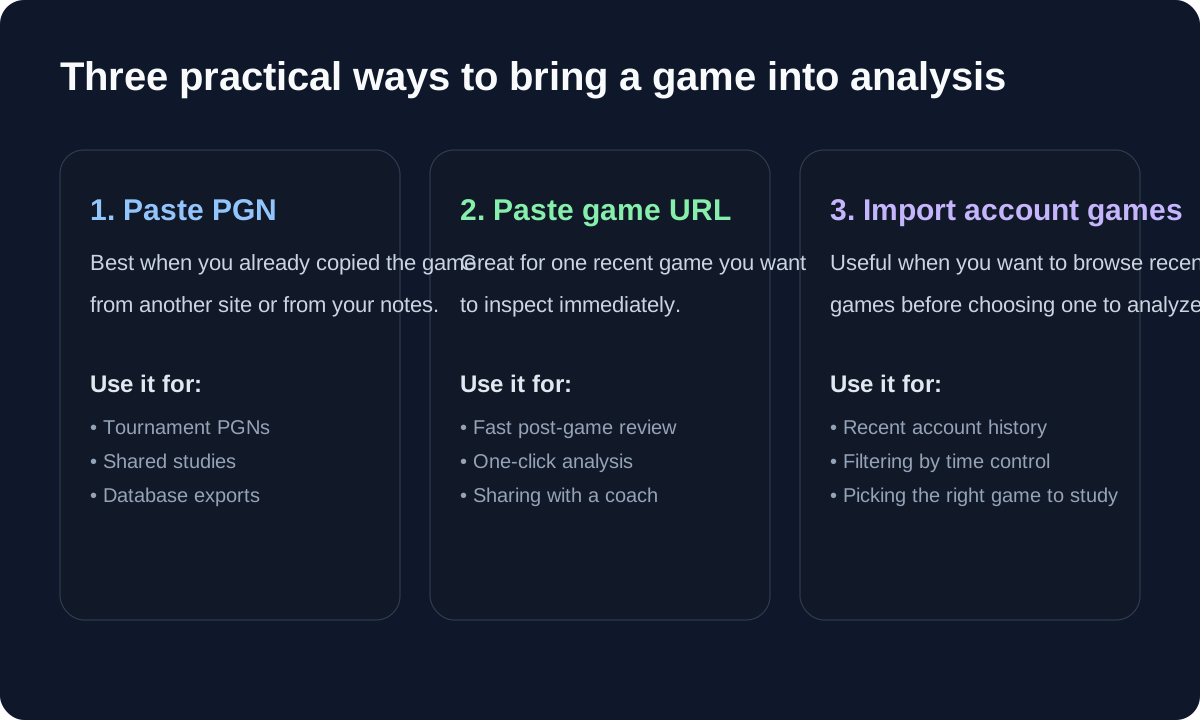
On this site, there are three practical ways to get a game into analysis.
1. Paste a PGN
This is the best option when you already have the PGN copied from somewhere else.
Use PGN paste when:
- you exported a tournament game
- a coach or friend sent you the moves
- you copied a study line from another site
- you want to archive the exact notation you worked on
The biggest advantage is control. You know exactly what moves are going into the board, and you are not depending on the original platform to stay open in another tab.
If you often review over-the-board games or database material, this is usually the cleanest path.
2. Paste a Game URL
If you just finished a game on Chess.com or Lichess and want to inspect it immediately, a direct URL is often the fastest method.
That is especially helpful when you only care about one game and do not want to browse your whole history first.
Use URL import when:
- you just finished a game and want a fast post-game review
- you want to send one game to a coach
- you found a public game and want to inspect the turning points
This is the low-friction choice for quick study.
3. Import Recent Games From an Account
This is the best method when you know you want to study something, but you have not yet decided which game deserves attention.
The import page lets you browse recent games, filter them, and then choose the one worth analyzing in detail.
Use recent-game import when:
- you want to review your last few blitz or rapid games
- you are looking for a painful loss that probably contains a lesson
- you want to compare several recent games before choosing one to study
For many players, this is the most practical weekly workflow because the hard part is usually not finding a game — it is choosing the right one.
Chess.com Import: What Usually Works Best
If you are mainly a Chess.com player, there are two strong workflows.
The first is the “fast reaction” workflow:
- copy the game URL right after the game ends
- paste it into the import field
- open the analysis board
- inspect the first big evaluation swing
The second is the “review session” workflow:
- open the import page
- enter your Chess.com username
- filter by time control or date
- choose one or two games that are actually worth studying
That second approach is better when you want quality over speed. A lot of players blindly analyze the last game they played, but the better question is often: which recent game is most likely to teach me something?
A narrow loss, a sharp middlegame, or a game where the evaluation flipped suddenly will usually teach more than a clean technical win.
Lichess Import: When to Use URL vs Recent Games
For Lichess players, the decision is similar.
If you already know the exact game, URL import is usually perfect. If you want to review a broader stretch of games, using the recent-game import flow is often better because it lets you choose deliberately.
That matters because not every game deserves a deep engine review.
A short opening trap win might be fun, but a messy rapid game with one important mistake is often far more valuable. Importing a short list of recent games makes it easier to pick the ones with real training value.
When PGN Is Better Than URL Import
Players often assume URL import is always superior because it is faster. That is not always true.
PGN is often better when:
- you want to keep your own notes with the moves
- you need a stable record that does not depend on an external page
- you are working from a tournament score sheet or a study file
- you want to combine engine review with manual annotations
In other words, URL import is ideal for speed. PGN is ideal for control.
That is why both options matter.
What To Do After the Game Is Imported
Importing the game is only the first step. The real value comes from what you do next.
A simple and useful review loop looks like this:
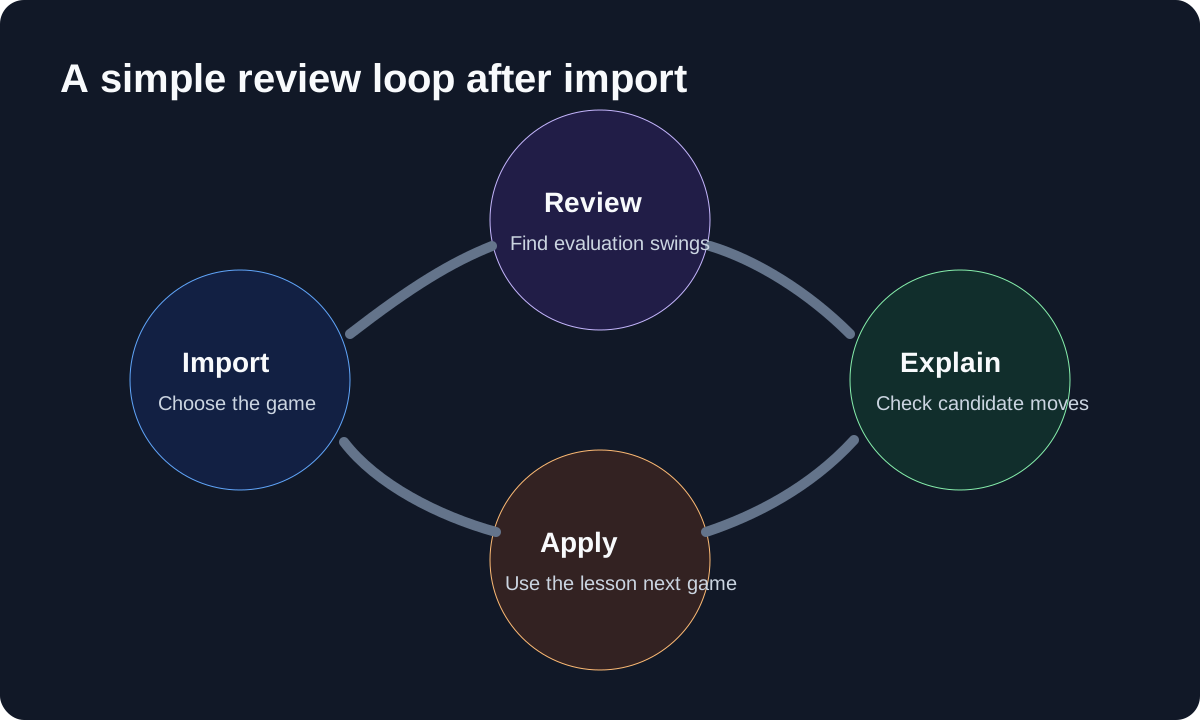
Here is the version I recommend for most club players.
Step 1: Find the biggest swing first
Do not start by obsessing over move 6 if move 26 decided the game.
Look for the largest evaluation jump. That usually tells you where the game truly changed.
Step 2: Ask what changed in practical terms
Instead of just asking “what was the best move?”, ask:
- what threat did I miss?
- what piece became loose?
- did I misjudge an exchange, tactic, or king-safety issue?
- was there a simpler move that kept the position under control?
Those questions lead to better learning than staring at the top engine line without context.
Step 3: Check candidate moves, not only the best move
This is where a proper analysis board is more useful than a quick one-number verdict.
If the engine says your move was inaccurate, compare it with two or three alternatives. In many practical games, the best lesson is not “find the one engine move.” It is “notice the kind of move this position wanted.”
Step 4: Save the lesson in plain language
Before you leave the board, write down the takeaway in one sentence.
Examples:
- “I kept attacking on the wing while the center was breaking.”
- “I traded into an endgame without checking king activity.”
- “I saw the tactic too late because I ignored the back rank.”
That one sentence is often more useful than ten extra minutes of passive engine watching.
Which Import Method Should Most Players Use?
If you want the short answer:
- use game URL import for one fast review
- use recent-game import when choosing a game to study matters
- use PGN paste when you need more control or a permanent record
There is no need to force one workflow for every situation.
The best method is the one that gets you into the review quickly without creating extra friction.
A Good Weekly Study Habit
If you want a repeatable process, this one works well:
- once or twice a week, open
/import - filter for recent rapid or blitz games
- choose one loss and one messy win
- send both into the analysis board
- finish with one written lesson from each game
That is simple enough to keep doing, and consistency matters more than perfect depth.
Final Thought
Most players do not avoid analysis because they think it is useless. They avoid it because the process feels messy.
A cleaner import flow fixes that.
If it takes ten seconds to get a game onto the board, you are far more likely to review honestly, compare ideas carefully, and keep the habit going. That is where the real value is — not just importing a game, but making post-game study easy enough that you actually do it.