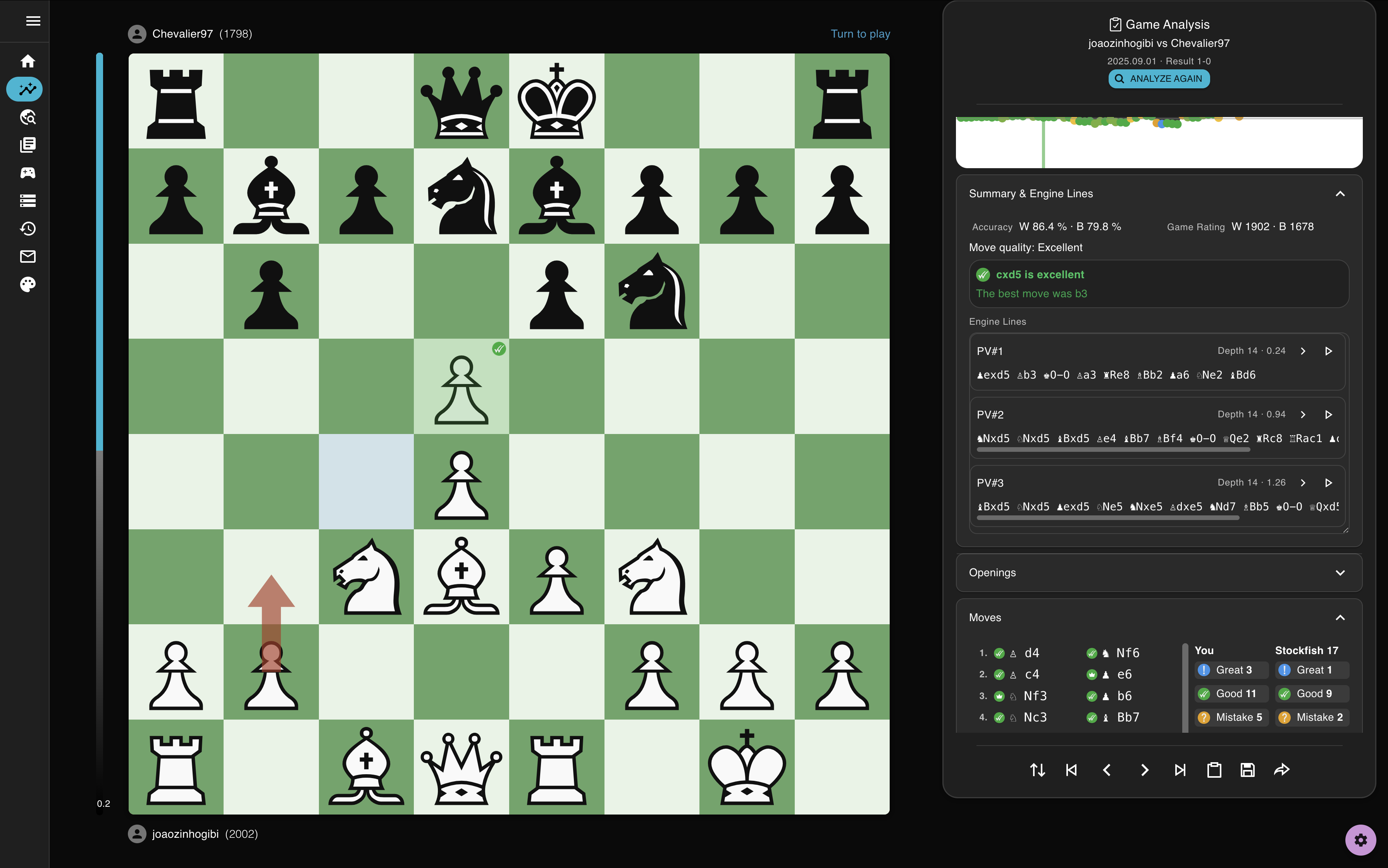
Roblox Chess PGN Not Working? Use Chess Analyzer to Fix Unsupported Exports and Review with Stockfish
Chess Analyzer helps you analyze Roblox chess games even when the PGN is messy, unsupported, or copied in a non-standard format. Paste the export, recover the moves, and review the game with Stockfish.
If you play chess on Roblox, you can run into a frustrating problem very quickly:
- the game gives you something like a PGN
- you try to paste it into a chess tool
- the tool says unsupported, invalid PGN, or just refuses to load it
At that point, the real problem is not chess theory. The real problem is that you have a game you want to study, but the export step breaks before the analysis even starts.
That is the kind of problem Chess Analyzer is meant to solve.
Our tool gives you a fast way to paste a Roblox chess export, recover games that are close to valid PGN, and then review the result with Stockfish in a normal analysis workflow. If the import is failing, you can start with the dedicated PGN repair tool first.
The User Problem We Are Solving
A lot of players do not come from a traditional chess site first. They may play a casual game on Roblox, try a bot game, or test ideas in a Roblox chess experience like Chess! or Chess Club, then want to understand what actually happened.
The pain point comes one step later.
Instead of getting a clean PGN that works everywhere, they often end up with something messy:
- long move notation like
Ng8f6 - mixed notation styles in the same export
- a missing capture marker
- a move list that is almost correct, but not strict enough for a normal PGN parser
So the user's actual question is usually something like this:
- why is my Roblox chess PGN not working?
- why does this file say unsupported?
- how do I analyze this game with Stockfish?
- why does one Roblox PGN paste correctly while another one fails?
Chess Analyzer is useful here because it is not just an engine board. It is also a more forgiving import workflow for PGNs that are close to correct but not perfectly standardized.
What Chess Analyzer Does Better for Roblox Exports
When you paste a Roblox chess export into Analyze — or first run it through the PGN repair tool — the goal is not just to reject bad formatting faster. The goal is to help you salvage reviewable games.
For Roblox-style PGNs, Chess Analyzer now does a better job with:
- long algebraic move notation such as
Ng8f6 - mixed move styles inside a single export
- certain malformed tokens that can still be inferred from the legal position
- near-valid game records that used to fail outright in a stricter import flow
In practical terms, that means some games that previously died at the import step can now be reconstructed and opened on the analysis board.
Once the game is loaded, you get the part users actually care about:
- Stockfish evaluation
- move-by-move review
- key mistakes and turning points
- a cleaner board for replaying the game
- a normal chess analysis workflow instead of fighting with PGN formatting
Why This Matters
For a player, a broken PGN is not a technical curiosity. It blocks the whole learning loop.
You cannot:
- check whether a tactic was sound
- see where the evaluation swung
- understand whether your attack worked
- compare your move to the engine choice
- learn from the game afterward
So the real product value is simple:
Chess Analyzer helps turn a messy Roblox export into something you can actually study.
That is especially useful for:
- players reviewing games against Roblox bots
- casual users who do not want to manually clean every PGN
- players who copied a move list from Roblox and just want Stockfish to tell them what happened
- users comparing Roblox games with analysis from Chess.com, Lichess, or other tools
Example: A Game That Looks Fine but Still Fails Elsewhere
A standard version of a game might look like this:
1. e4 Nf6 2. e5 Nd5 3. d4 Nc6 4. c4 Ndb4 5. a3 Na6 6. Qf3 Nxd4 7. Qd5 c5 8. f4 f5 9. exf6 gxf6 10. Qh5#
A Roblox-style export of the same game might look more like this:
1. e4 Ng8f6 2. e5 Nf6d5 3. d4 Nb8c6 4. c4 Nd5b4 5. a3 Nb4a6 6. Qd1f3 Nc6xd4 7. Qf3d5 c5 8. f4 f5 9. f6 gxf6 10. Qd5h5
The second version is close enough that a human can usually understand it, but strict importers often cannot.
That is where Chess Analyzer is helpful: instead of giving up immediately, it now does a better job recovering games when the legal continuation is still clear.
How to Use Chess Analyzer for a Roblox Chess Game
The workflow is straightforward:
- Copy the PGN or move list from the Roblox chess game.
- Open the PGN repair tool if the export looks messy, or go straight to Chess Analyzer if it already looks clean.
- Paste the text into the PGN input.
- Let the importer try to reconstruct the game.
- Review the game with Stockfish once it loads.
If the export is only mildly broken, that may be enough.
If the export is too damaged to recover, you still have a better starting point: you can often identify which move is malformed instead of assuming the whole game is useless.
When the Tool Helps Most
Chess Analyzer is especially useful when the export is:
- almost standard PGN, but not quite
- copied from a Roblox UI rather than a traditional chess website
- inconsistent from one game to the next
- good enough for a human to read, but bad enough to confuse a parser
That is exactly the gap between “I have a game” and “I can actually analyze this game.”
What It Does Not Promise
No importer can rescue every broken export.
If multiple moves are missing, the move order is damaged, or the copied text is incomplete, you may still need to clean the PGN manually.
But even then, Chess Analyzer still helps by making the normal case much easier: when the game is mostly correct and only needs a more tolerant import path.
Why Use This Instead of Forcing Users to Repair PGN Elsewhere
Because most users are not looking for a PGN repair workflow. They are trying to answer a chess question.
They want to know:
- where they blundered
- whether the checkmate worked
- what the best move was
- whether the bot defended correctly
- how to study the game afterward
So the best product experience is not “go find a different tool, normalize the notation, then come back.”
The best experience is: paste the Roblox export here, load the game, and start reviewing it immediately.
FAQ
Can Chess Analyzer analyze Roblox chess games with Stockfish?
Yes. If you can copy the move list or PGN from the Roblox chess game, you can paste it into Chess Analyzer and review it with Stockfish.
What if the Roblox PGN says unsupported in another tool?
That usually means the export is non-standard, not that the game itself is impossible. Chess Analyzer now does a better job recovering some Roblox-style exports that used to fail.
Does this work for Chess! and Chess Club on Roblox?
That is one of the real use cases we had in mind. If those games let you copy moves or a PGN-like export, Chess Analyzer is designed to give you a better chance of turning that text into a playable analysis board.
What if one Roblox PGN works and another one does not?
That is common. One export may be close to standard PGN while another contains a small notation issue that breaks stricter parsers. Chess Analyzer helps most when the game is mostly correct but imperfectly exported.
Try It
If your Roblox chess PGN is not working, the next step is simple:
- Open the PGN repair tool
- paste the copied export
- repair the notation if needed
- open the result in Chess Analyzer for Stockfish review
The whole point is to remove friction between playing a game on Roblox and actually learning from that game afterward.